
Free photo editor with AI, offering effects, overlays, and filters for creative editing on Android devices!

Pixlr APK v3.9.1
Pixlr APK
Download for Android
| App Name | Pixlr |
|---|---|
| Package ID | com.pixlr.express |
| Genre | Apps, Photography |
| Size | 149.9 MB |
| Latest Version | 3.9.1 |
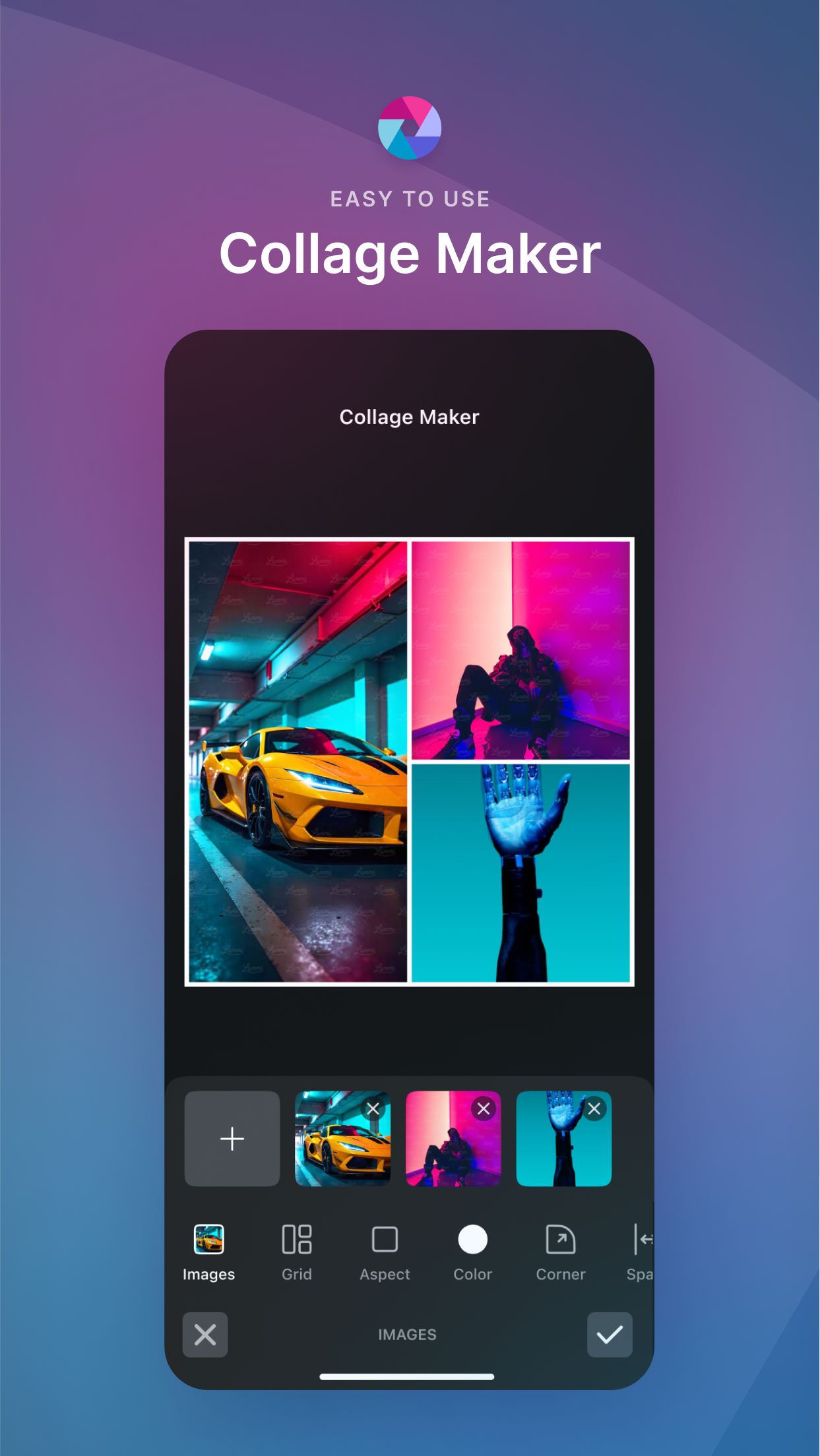
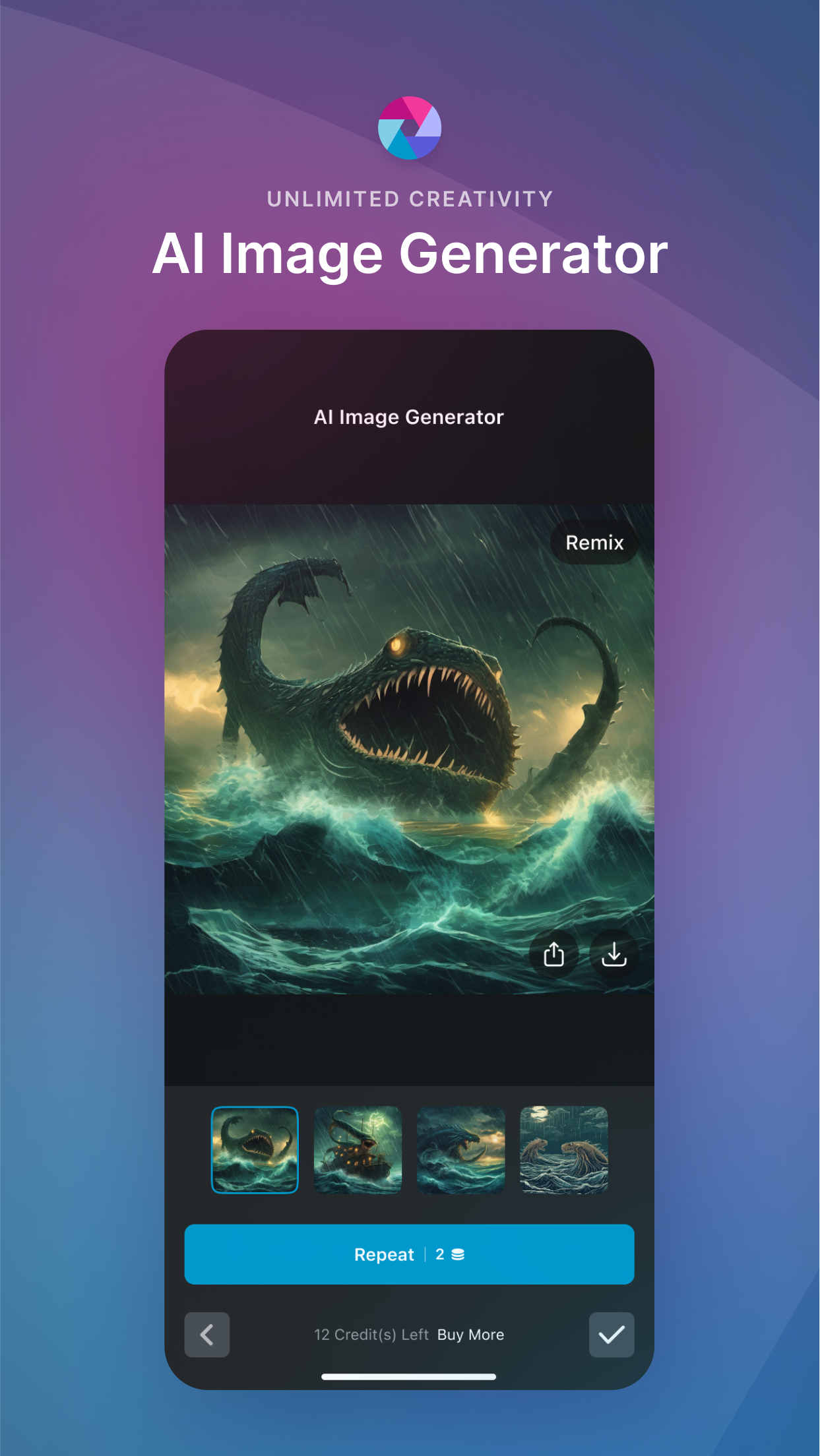
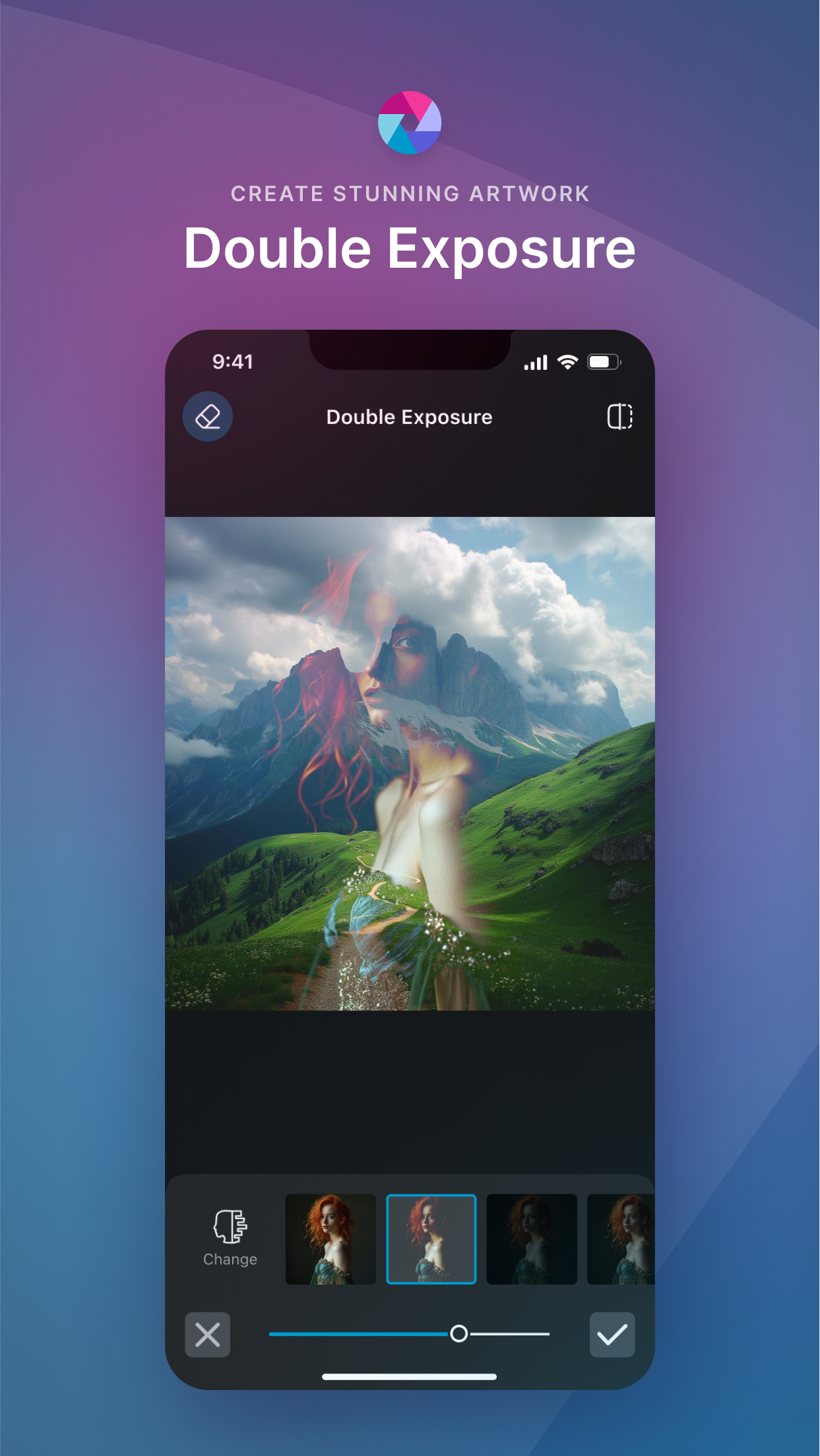
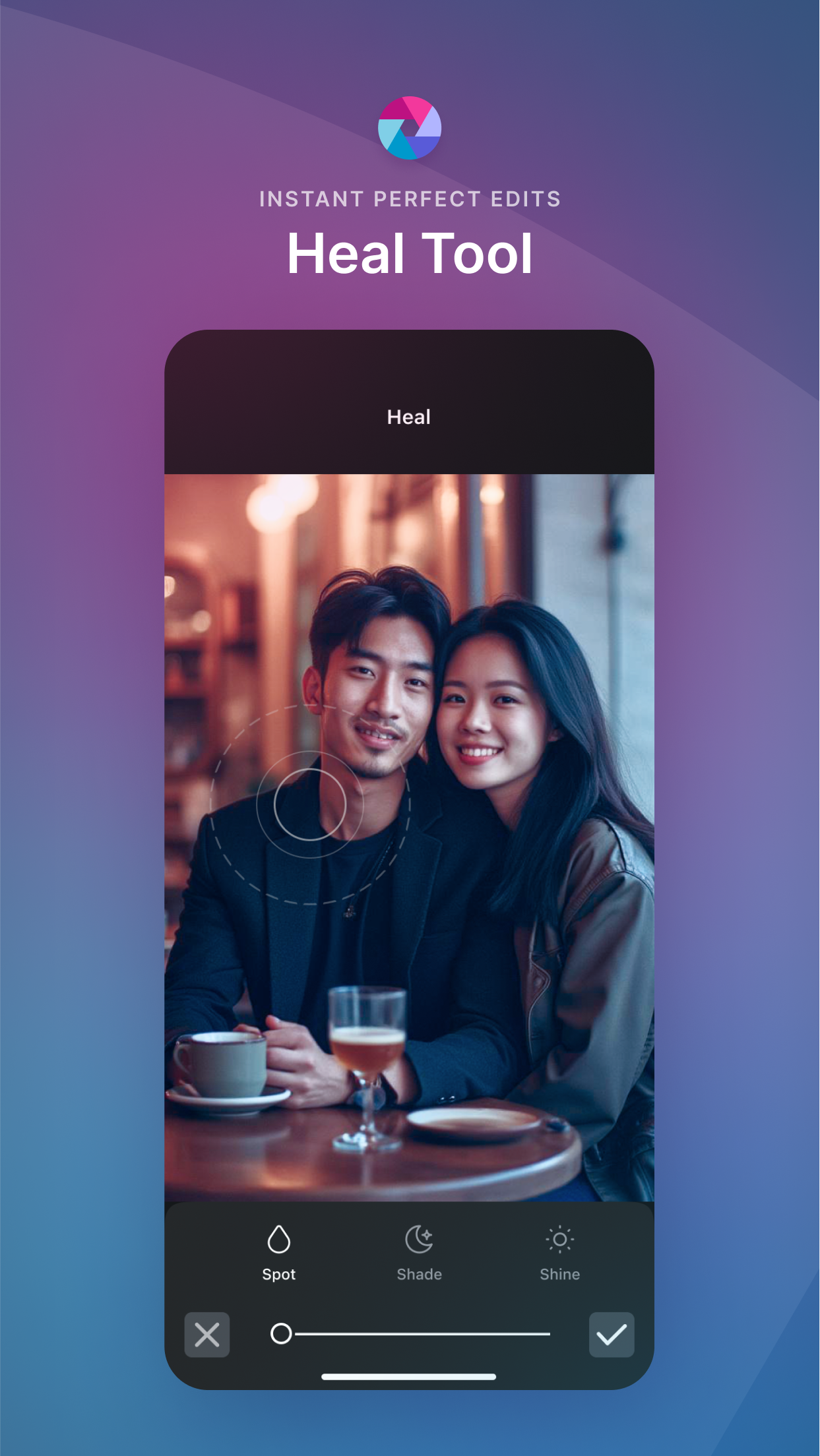
Discover Pixlr APK for Android: Your Ultimate Photo Editing Companion
In today’s world, capturing moments is as easy as clicking a button on your phone. But what if you want to make those moments even more special? That’s where Pixlr APK for Android comes in. Pixlr is a powerful photo editing tool that lets you transform ordinary photos into extraordinary works of art.
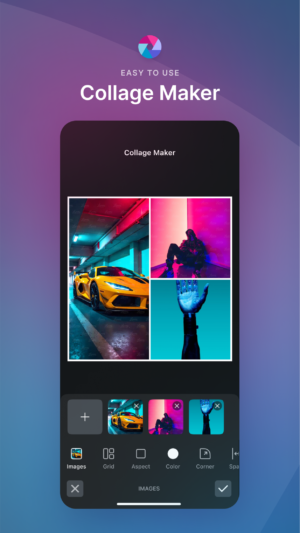
With its advanced AI technology, Pixlr offers a wide range of effects, overlays, and filters—all for free! Whether you’re a budding photographer or just someone who loves to play around with pictures, Pixlr is the perfect app for you.
Features of Pixlr APK
Pixlr APK is packed with features that make photo editing a breeze. Here are some of the highlights:
- Effects and Filters: Choose from a vast array of effects and filters to enhance your photos. Whether you want a vintage look or a modern flair, Pixlr has you covered.
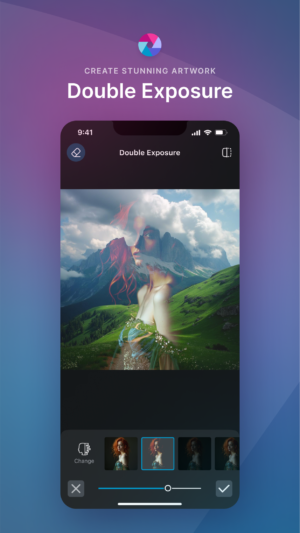
- Overlays: Add unique overlays to your images to create stunning visual effects. From light leaks to bokeh, there’s something for every style.
- Fun Stickers: Personalize your photos with fun and quirky stickers. Add a playful touch to your images with just a few taps.
- Intuitive Touch Controls: Pixlr’s touch controls make editing simple and enjoyable. Adjust brightness, contrast, and saturation with ease.
- Social Sharing: Once you’ve created your masterpiece, share it with the world! Pixlr makes it easy to post your photos on social media platforms.
Why Choose Pixlr APK?
Pixlr is not just another photo editing app; it’s a creative powerhouse trusted by over 18 million creators worldwide. Here’s why Pixlr stands out:
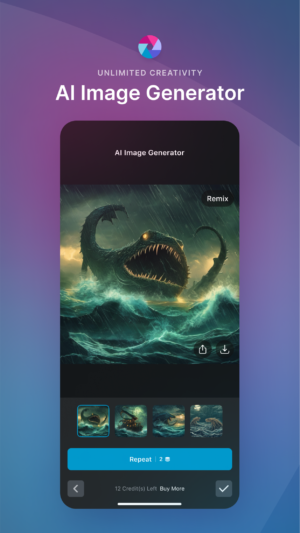
- AI-Powered Editing: Pixlr uses advanced AI technology to make photo editing easier and more fun. This means you can achieve professional-looking results without needing to be a pro.
- Free to Use: Unlike many other photo editing apps that require subscriptions or in-app purchases, Pixlr offers its features for free.
- User-Friendly Interface: Pixlr is designed to be intuitive and easy to use, so you can focus on being creative rather than figuring out complicated tools.
- Endless Creative Possibilities: With over 2 million combinations of effects, overlays, and filters, the possibilities are endless. You can truly let your creativity shine.
How to Download Pixlr APK for Android
Downloading Pixlr APK for Android is a simple process. Follow these steps to get started:
- Ensure Device Compatibility: Make sure your Android device is compatible with the Pixlr APK. Most modern Android devices should have no trouble running the app.
- Download the APK: Click the download button provided at the top to get the latest version of Pixlr APK for Android.
- Install the APK: Once the download is complete, open the APK file and follow the on-screen instructions to install the app on your device.
- Launch the App: After installation, open Pixlr and start exploring its amazing features.
Tips for Using Pixlr APK
To get the most out of Pixlr, here are some tips to enhance your photo editing experience:
- Experiment with Different Effects: Don’t be afraid to try out different effects and filters. Sometimes, the most unexpected combinations can lead to stunning results.
- Use Overlays Wisely: Overlays can add depth and interest to your photos, but use them sparingly to avoid overwhelming the image.
- Play with Stickers: Stickers are a fun way to add personality to your photos. Mix and match different stickers to create a unique look.
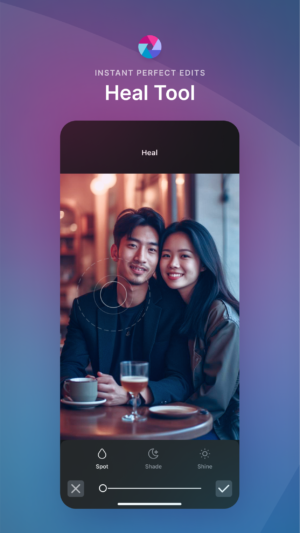
- Adjust Settings Carefully: When adjusting settings like brightness and contrast, make small changes to maintain the natural look of your photo.
- Save Your Work: Always save your edited photos in high resolution to ensure they look great when printed or shared online.
Frequently Asked Questions
What is Pixlr APK?
Pixlr APK is a free photo editing app for Android devices that offers a wide range of effects, overlays, and filters powered by advanced AI technology.
Is Pixlr APK free to use?
Yes, Pixlr APK is completely free to use. You can access all its features without any subscriptions or in-app purchases.
Can I use Pixlr APK on my tablet?
Yes, Pixlr APK is compatible with most Android tablets. You can enjoy the same features and functionality on a larger screen.
How do I update Pixlr APK?
To update Pixlr APK, simply download the latest version from the provided download link and install it on your device.
Is Pixlr APK safe to download?
Yes, Pixlr APK is safe to download and use. Always ensure you download the APK from a trusted source to avoid any security risks.
Conclusion
Pixlr APK for Android is more than just a photo editing app—it’s a gateway to creativity. With its powerful features and user-friendly interface, Pixlr makes it easy for anyone to create stunning images.
Whether you’re editing photos for fun or for professional purposes, Pixlr has everything you need to bring your vision to life. So go ahead, download Pixlr APK today, and start transforming your photos into works of art!
5/5 (1 vote)